4K Dual-Lens Auto-Tracking Camera: Wider, Clearer View
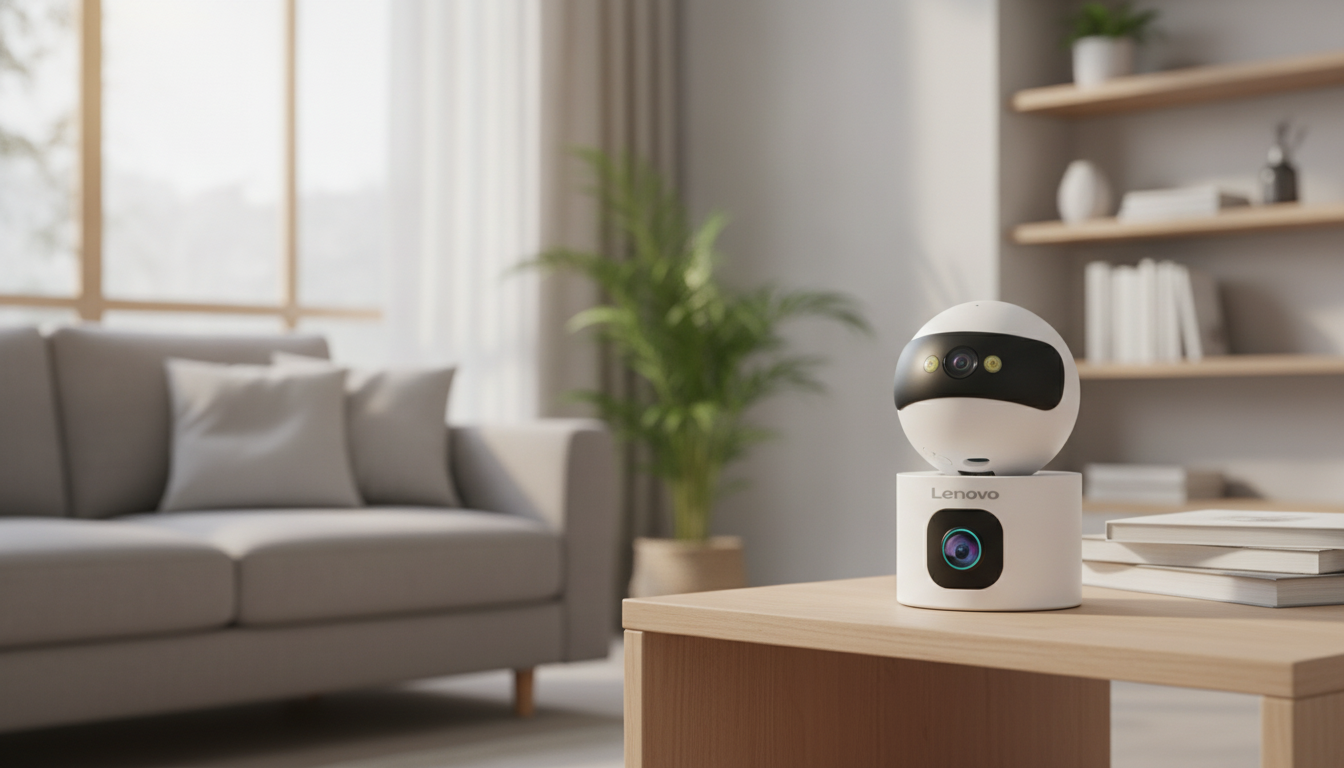
A dual-lens security camera is built for the places where “one angle” isn’t enough. Instead of forcing you to choose between a wide view and a close-up view, a dual-lens design can keep more of the scene covered while still preserving the details that matter during motion events. Add 4K resolution and auto tracking, and you get a camera that’s designed to follow activity as it happens—helpful for busy rooms, hallways, and entry areas where people (or pets) move quickly.
What a Dual-Lens Auto-Tracking Camera Helps With
Homes don’t stay still. A single fixed camera can capture a clean snapshot of one area, but it can also miss motion that starts at the edge of the frame or moves across the room. A dual-lens, auto-tracking model is a practical fit for everyday monitoring in a few common situations:
- Wider coverage for living rooms, garages, and front entry areas where movement can happen off to the sides.
- More context during motion events—depending on the model’s behavior, one lens may hold a broader view while another emphasizes detail.
- Auto tracking that follows movement helps reduce “walk-out-of-frame” gaps in recordings.
- Pet monitoring and quick checks when short, clear clips matter more than continuous viewing.
Key Features to Look For (and Why They Matter)
Specs can look similar on a product page, but everyday experience depends on a few make-or-break features: how clean the video stays when you zoom, how smoothly tracking behaves, and how well alerts can be tuned to your home.
Feature checklist for a smooth everyday setup
| Feature | What to verify | Practical tip |
|---|---|---|
| 4K video | Actual output resolution and frame rate | Place the camera where it can see faces head-on for best benefit |
| Dual-lens coverage | How lenses split wide/detail views | Test coverage with a walk-through after mounting |
| Auto tracking | Tracking range and return-to-home behavior | Avoid pointing directly at mirrors or bright windows |
| Night vision | IR range and clarity | Keep the lens away from nearby reflective surfaces |
| Motion alerts | Sensitivity and activity zones | Start medium sensitivity, then fine-tune over 48 hours |
| Storage | Local vs cloud availability | Use local storage for continuous recording if supported |
Motion detection controls are often the difference between a helpful camera and an annoying one. If sensitivity and activity zones are adjustable, it’s easier to filter out “noise” like shifting shadows, ceiling fans, or street traffic seen through a window.
Night performance matters even indoors. Low light can soften detail, and tracking can become less reliable if motion detection can’t “see” clearly. If the camera offers infrared night vision or a low-light color mode, match it to the room (dark hallway versus lamp-lit living area).
WiFi compatibility is also a real-world factor. Many smart cameras are designed for 2.4GHz networks because they travel farther through walls than 5GHz. If your home uses a 5GHz-only setup, confirm the camera supports it or plan to enable 2.4GHz on your router.
Where This Camera Fits Best at Home
- Main living area: Track movement across open spaces without missing activity near the edges.
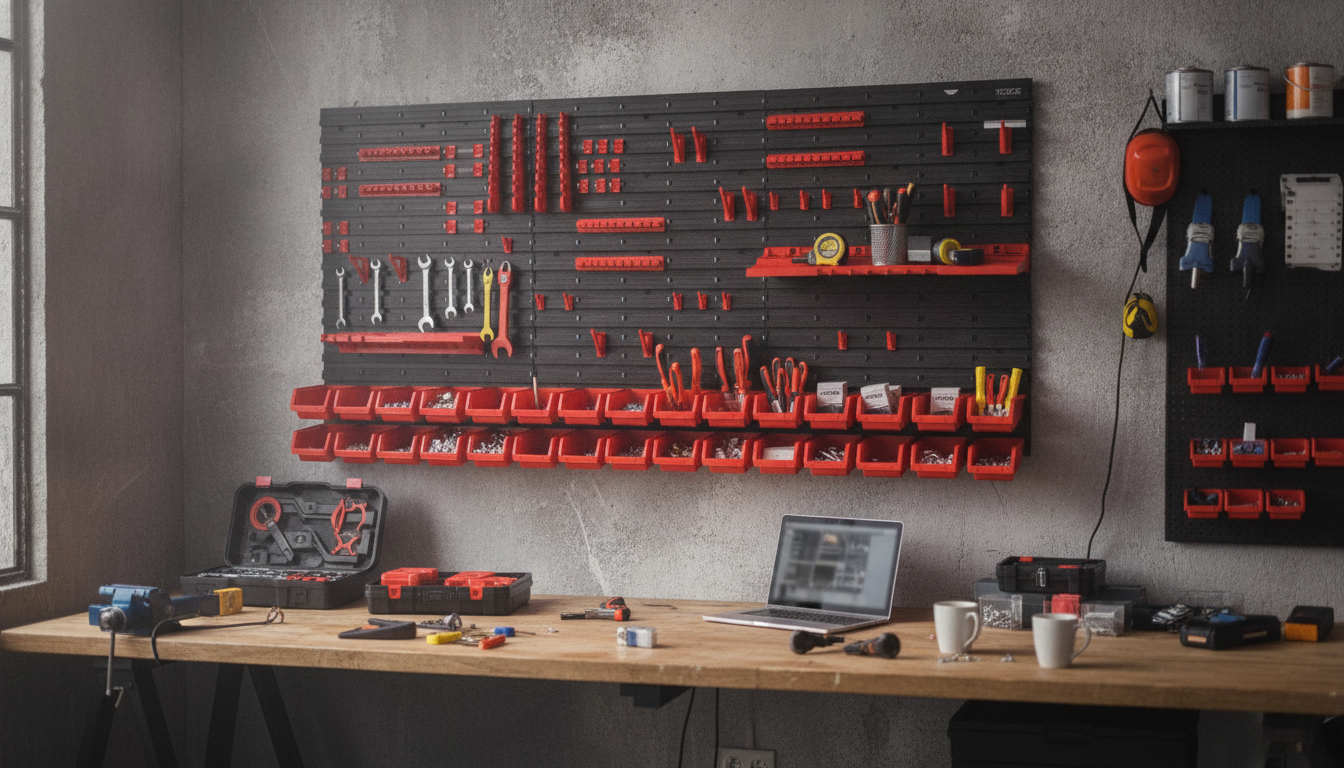
- Garage or workshop: Follow motion along storage shelves, a tool wall, or parked vehicles.
- Nursery or playroom: A stable wider view can be useful while still having a closer angle for detail (depending on configuration).
- Front entry (indoor facing): Capture the door area and track visitors moving through a hallway.
- Small business use: Monitor a counter area while keeping the full-room context.
Setup Tips for Reliable WiFi and Fewer False Alerts
- Mount at a face-friendly height: roughly 6–8 feet indoors, angled slightly downward, so the camera sees faces—not just the tops of heads.
- Prioritize WiFi strength: if the signal is weak, add a mesh node, reposition your router, or move the camera to a stronger spot.
- Avoid window-facing angles: headlights, sun shifts, and passing cars can trigger motion alerts.
- Use activity zones: exclude ceiling fans, TVs, shiny décor, or reflections that can cause repeated alerts.
- Test auto-tracking paths: walk common routes to ensure tracking doesn’t “lose” you behind furniture edges.
- Secure the device and network: use a strong password, keep firmware updated, and use WPA2/WPA3 WiFi security. For practical guidance, see CISA’s wireless network security tips and the FTC’s steps to secure your home router.
Product Snapshot: 4K Dual-Lens Smart WiFi Home Security Camera with Auto Tracking
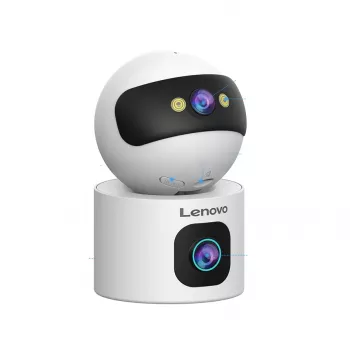
If you want a camera that’s built for high-activity indoor areas, the 4K Dual-Lens Smart WiFi Home Security Camera with Auto Tracking is designed to combine a dual-lens view with movement tracking to help cover more of the room without constantly re-aiming the camera.
Related in-stock picks
- Magnetic 15W Wireless Car Charger & Phone Mount for iPhone 16–13 (useful if you check alerts and live view on the go)
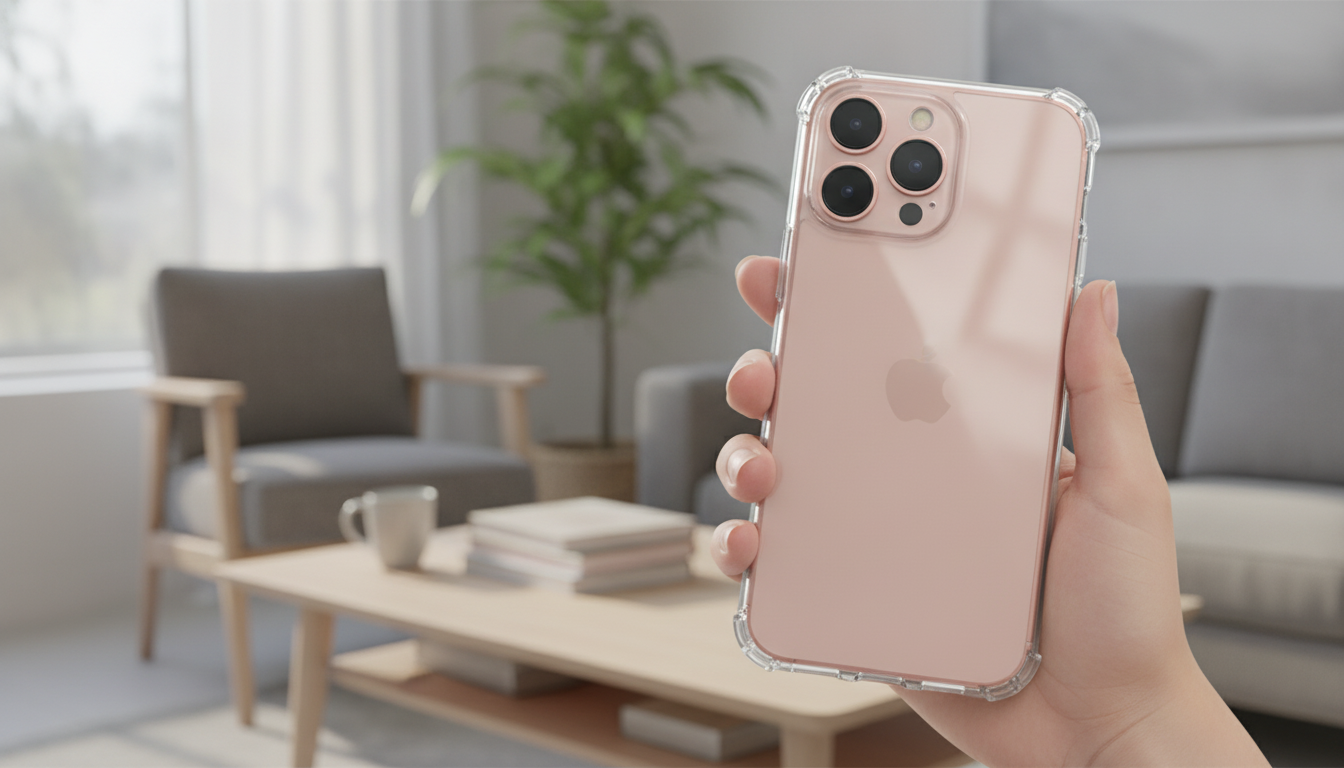
- Magnetic Clear Shockproof Case for iPhone 17 Pro & Pro Max (extra protection for the phone you use to manage notifications)
What to Check Before Buying
FAQ
Does auto tracking work in the dark?
It can, but reliability depends on how well the camera detects motion in low light and what night mode it uses. Infrared night vision or strong low-light performance generally improves how consistently movement is detected and followed.
Will a dual-lens camera reduce blind spots compared to a single-lens model?
Often, yes—dual-lens designs can keep a wider or multi-view perspective that helps maintain context while capturing detail. Placement still matters, so testing the field of view after mounting is key.
Is local storage required, or is cloud storage enough?
Cloud storage can be enough for many homes, especially for event clips and easy sharing, but it may involve ongoing fees. Local storage can avoid subscriptions and may keep recording available during internet outages, depending on how the camera operates.






Leave a comment