Tri-Mode Ultra-Light Gaming Mouse + RGB Dock Guide
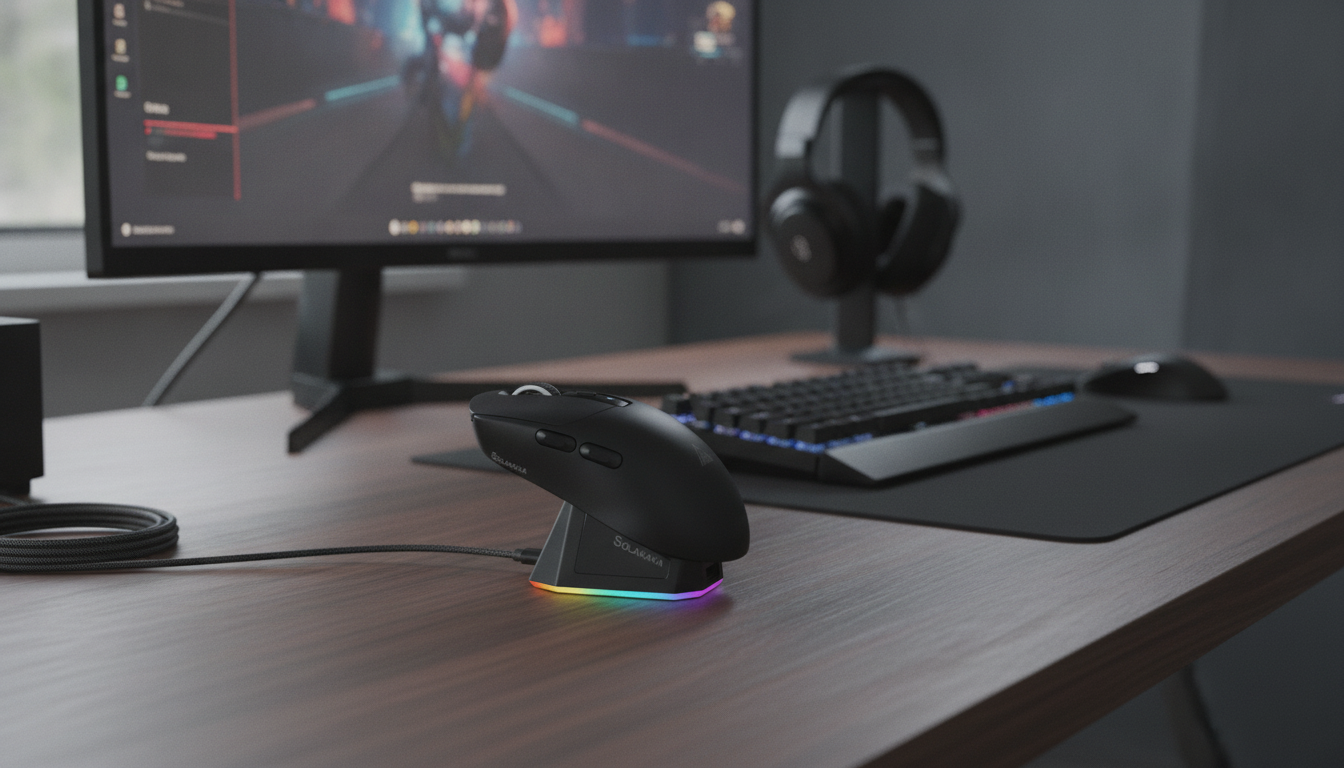
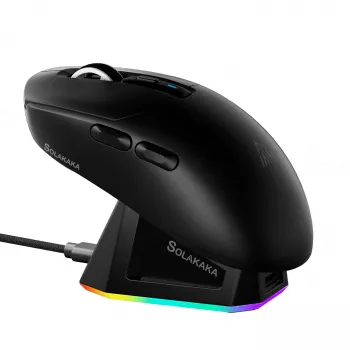
Ultra-Light Tri-Mode Wireless Gaming Mouse with RGB Charging Dock
A lightweight gaming mouse that can switch between three connection modes and stay topped up on a dedicated RGB charging dock can simplify both competitive play and everyday productivity. Tri-mode support helps when you’re moving between a desktop battlestation, a work laptop, and travel devices—without constantly re-plugging cables or juggling multiple mice. Below is a practical breakdown of what tri-mode means day to day, what matters for performance and comfort, and how to set everything up for smooth PC and multi-device use.
Quick look: what stands out
- Tri-mode connectivity for flexible setups (gaming PC, laptop, tablet, console where supported)
- Ultra-light design aimed at faster flicks, easier tracking, and reduced hand fatigue
- RGB charging dock for a consistent “set it down and charge” routine
- Wireless convenience without giving up core gaming features (buttons, precision control, responsive clicks)
- Good fit for players who swap between work and play and want one mouse for both
If you want a single option that can cover your main rig plus a secondary device, check out the Ultra-Light Tri-Mode Wireless Gaming Mouse with RGB Charging Dock.
Tri-mode connectivity explained
Tri-mode typically means you get three ways to connect: 2.4GHz wireless via USB receiver, Bluetooth, and a wired USB mode. The practical advantage is choosing the best link for what you’re doing—rather than forcing one connection type to handle everything.
- 2.4GHz wireless: Often the go-to for fast-paced gaming because it’s designed for stable, low-latency performance when using the included USB receiver.
- Bluetooth: A strong pick for laptops and tablets when USB ports are limited. It usually prioritizes convenience and battery efficiency.
- Wired USB: Useful for zero-interruption sessions, charging while playing, and (on supported models) firmware updates.
- Practical switching: A clear mode switch and easy re-pairing makes “device hopping” feel natural instead of annoying.
Choosing the best connection mode for each device
| Mode | Best for | Strengths | Trade-offs |
|---|---|---|---|
| 2.4GHz (USB receiver) | Gaming PC / console setups that accept USB mouse input | Responsive feel, stable link | Needs a USB port and receiver |
| Bluetooth | Laptops, tablets, travel | No receiver required, power-efficient | May feel less responsive than 2.4GHz for fast shooters |
| Wired USB | Long sessions, charging, troubleshooting | No battery concern, consistent connection | Cable management and less “free” movement |
For deeper technical reference, you can review the Bluetooth Core Specification and the USB-IF’s HID (Human Interface Device) definition.
Ultra-light comfort and control
Weight is one of the first things players notice—especially if you’re coming from a heavier productivity mouse. Ultra-light designs can make repeated micro-corrections feel easier, which matters in aim-heavy games where tracking and quick flicks decide fights.
- Lower weight for less fatigue: Over long sessions, shaving grams can reduce wrist and finger strain, especially for high-sensitivity players who make many short movements.
- Grip styles: Claw and fingertip grips often pair well with lighter mice, but the shell shape matters more than any label. Make sure the sides and hump position feel supportive for your natural grip.
- Balance is crucial: A well-balanced mouse can feel “locked in” even when it’s very light, while a front- or rear-heavy mouse can feel twitchy.
- Skates/feet quality: Smooth skates reduce friction and help maintain consistent aim—especially on cloth pads.
Performance essentials to look for
Specs can be useful, but what you feel in-game comes down to consistency. A good gaming mouse should translate hand movement into reliable cursor movement without surprises.
- Sensor behavior: Look for steady tracking, minimal acceleration issues, and predictable lift-off behavior so muscle memory stays intact.
- DPI and sensitivity: A wide DPI range is nice, but easy adjustment steps and stable tracking matter more than extreme maximum numbers.
- Polling rate: Higher polling can improve smoothness and responsiveness on compatible setups, though it may reduce battery life in wireless modes.
- Button feel and placement: Crisp primary clicks help with rapid taps, while reachable side buttons support common binds like push-to-talk, melee, or utility (where allowed).
RGB charging dock and everyday battery routine
A charging dock changes the habit loop: instead of hunting for a cable when the battery runs low, you simply park the mouse after a session. That’s especially helpful if you switch between 2.4GHz for gaming and Bluetooth for work, since usage patterns can vary day to day.
For travel and daily charging convenience beyond your desk, a separate accessory like the Magnetic 15W Wireless Car Charger & Phone Mount for iPhone 16–13 can help keep your phone powered while you’re on the move.
Setup, switching, and troubleshooting
Who this mouse suits best
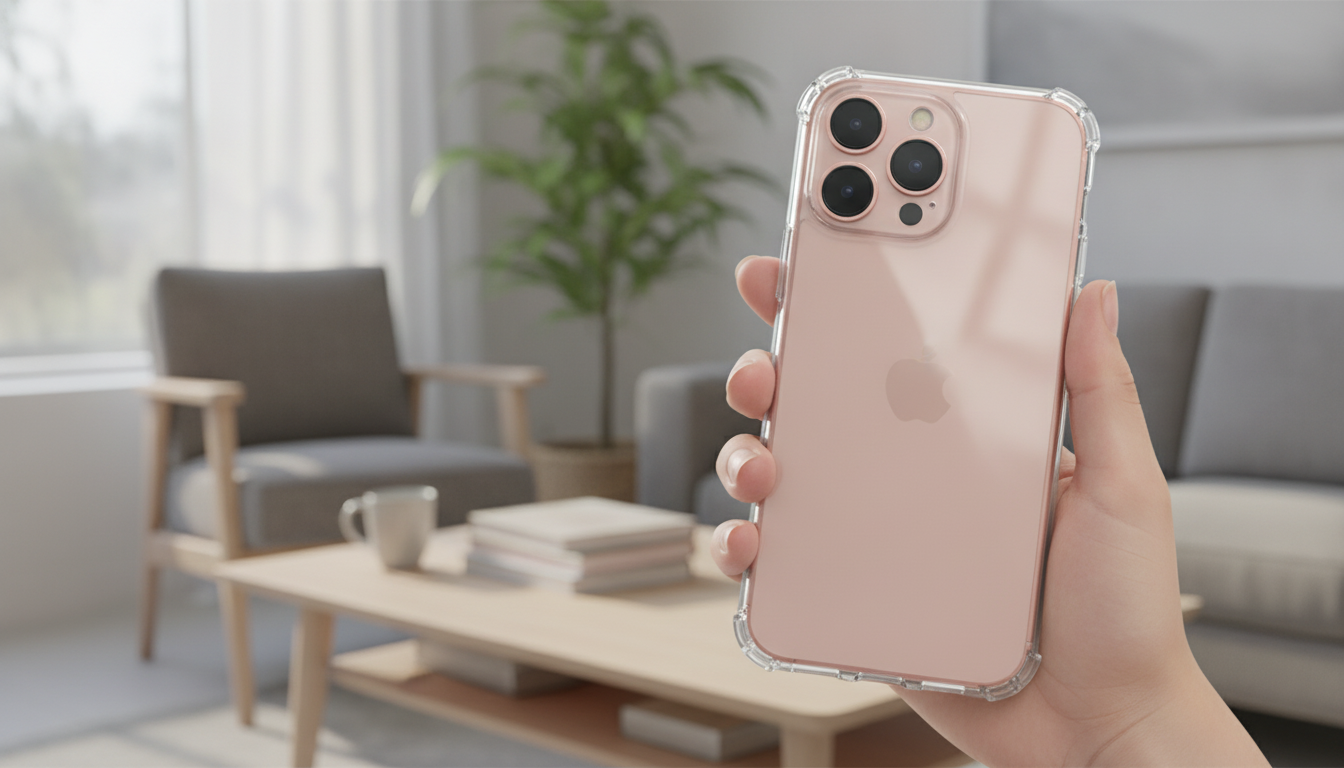
If you also like keeping your travel kit streamlined, pairing your setup with protective everyday gear such as the Magnetic Clear Shockproof Case for iPhone 17 Pro & Pro Max can help keep essentials in good shape between home, office, and tournaments.
Care and long-term use
FAQ
Is 2.4GHz wireless better than Bluetooth for gaming?
For fast-paced gaming, 2.4GHz wireless with a USB receiver is generally preferred because it tends to feel more responsive and stable. Bluetooth is excellent for portability and battery efficiency, but many players reserve it for work or travel use.
Can the mouse be used while charging on the dock or with a cable?
Most dock systems charge the mouse when it’s seated, and many models can also be used in wired USB mode while charging. The exact behavior depends on the dock and cable design, but wired mode is typically the safest choice for uninterrupted play.
Does RGB lighting reduce battery life?
Yes—RGB lighting usually increases power draw, especially at higher brightness or with animated effects. Turning lighting down (or off) can extend runtime, and using the dock regularly makes the extra drain less of a hassle.








Leave a comment