64×64 RGB LED Pixel Art Matrix: Bluetooth App Control
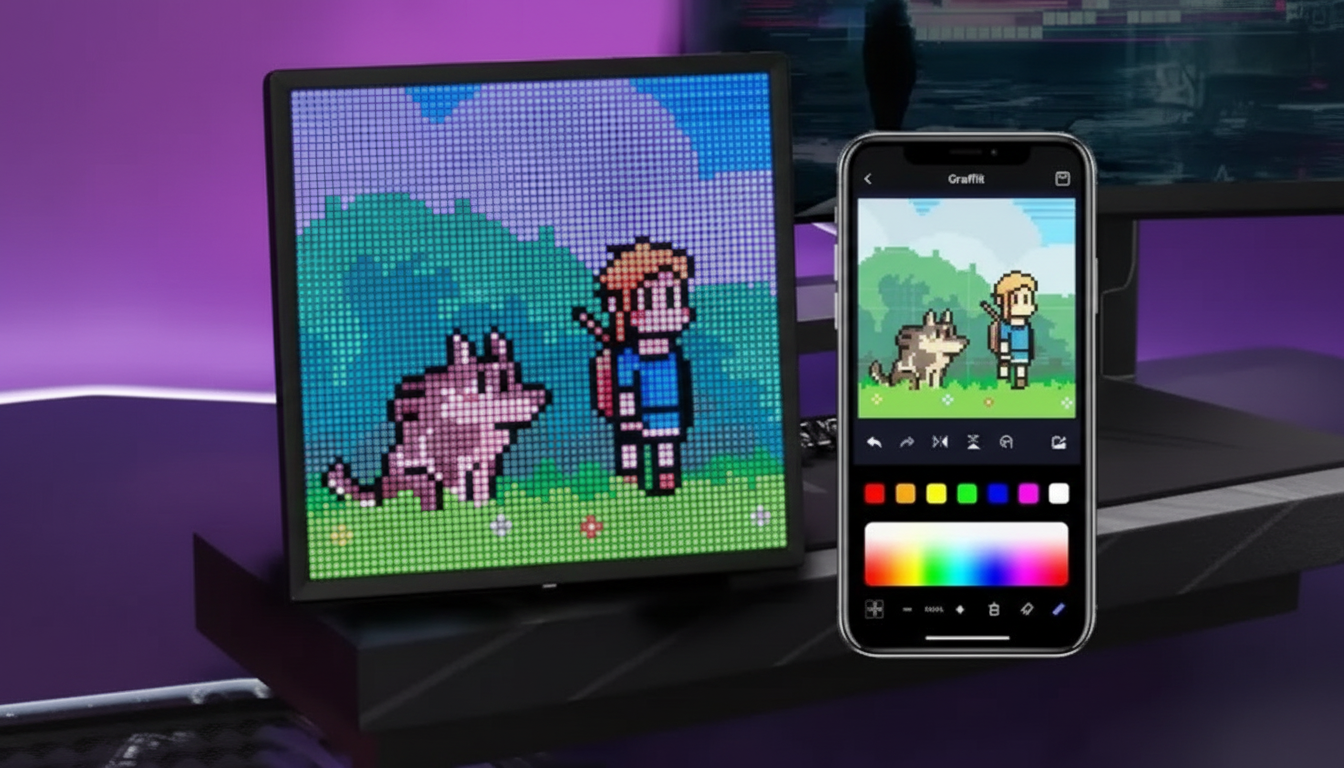
64×64 RGB LED Pixel Art Display with Bluetooth App Control
A 64×64 RGB LED matrix is a sweet spot for modern pixel art: small enough to fit on a desk or shelf, yet detailed enough for recognizable characters, icons, and short messages. This 64×64 RGB LED Pixel Art Display with Bluetooth App Control is built for bright animations, scrolling text, and quick swaps between designs—edited right from a phone over Bluetooth for low-friction updates and easy sharing.
What this display is best for
- Pixel art and animated loops: Run frame-by-frame sprites, idle animations, and looping scenes on a true 64×64 grid.
- Scrolling messages: Great for desk setups, shelves, kiosks, and small event signage where you want a message that’s hard to miss.
- Ambient scenes and simple visual effects: Use gradients, “mood” color cycles, and themed visuals for gaming rooms or creative studios.
- Gifts for creators: A fun, app-controlled display for artists and fans of retro aesthetics who don’t want to write code to get started.
Key features that matter day to day
- 64×64 resolution: Enough pixel density for recognizable icons and characters, plus readable short text when designed with bold strokes.
- Bluetooth app control: Upload images/animations, adjust settings, and switch modes quickly—ideal for frequent refreshes.
- RGB color control: Create high-contrast designs, highlights, and subtle shading without being locked into a limited palette.
- Preset effects + custom uploads: Rotate through built-in looks or your own art so the display stays lively without constant tinkering.
- Works as a compact message board: When placed at eye level, scrolling text and bold icons read cleanly for quick glances.
Quick specs and purchase details
If you’re choosing a spot ahead of time, plan for a nearby power outlet and a viewing distance that matches your design style. From across a room, bolder shapes and higher contrast typically read better than delicate details.
| Item | Details |
|---|---|
| Resolution | 64×64 RGB LED matrix |
| Control | Bluetooth app |
| Primary uses | Pixel art, animations, scrolling text, icons |
| Availability | In stock |
| Price | $42.67 USD |
Product link: 64×64 RGB LED Pixel Art Display with Bluetooth App Control
Bluetooth app control: what to expect
App-based control is the main advantage of this kind of pixel display: it turns the sign into something you can update as easily as a playlist. Typical workflows include selecting a preset effect, tweaking brightness and color, uploading custom art, and adjusting animation speed. Bluetooth is designed for short-range connections; for a plain-language overview, see the Bluetooth Core Specification overview.
- Start simple, then refine: Begin with a clean silhouette that reads at a glance. Add shading and highlights only after the main shape is instantly recognizable.
- Create a rotation: A compact playlist of 5–10 designs keeps the display feeling “new” without constant re-editing.
- Connection basics: Keep your phone in the same room during uploads and big changes to reduce dropouts and interference.
If you’re curious about how LED matrices work in general—and why content needs to be designed for a grid—Adafruit’s background guide is a helpful reference: Adafruit LED Matrix Guide.
Pixel art tips for a 64×64 grid
A 64×64 canvas rewards clarity. The best designs tend to be readable from a few feet away, not just close-up at your desk.
- Use limited palettes: Try 8–16 colors for a clean, cohesive look. Too many similar shades can turn into visual “noise.”
- Boost contrast: Dark outlines or a strong edge color helps icons pop, especially on bright backgrounds.
- Choose thicker fonts: For scrolling messages, use simplified letterforms with wider strokes and generous spacing.
- Animate with small changes: Tiny frame-to-frame shifts (blink, bounce, shimmer) feel smoother than big jumps.
- Test at real distance: Step back and view it as your audience will. If it reads instantly from where you’ll place it, it’s a winner.
Setup, placement, and care
- Stable surface + airflow: Place it where it won’t wobble and where heat can dissipate—avoid enclosing it tightly.
- Keep it dry: Avoid moisture and splashes. Dust with a dry microfiber cloth to keep the front clean.
- Brightness management: Running at max brightness for long stretches can increase heat and power draw. A slightly reduced setting often looks better indoors and can help extend LED longevity.
- Use surge protection: If you’re in an area with unstable power, a surge protector adds a simple layer of protection.
Who it’s for (and who may want something else)
Extras that pair well (in stock)
- Magnetic 15W Wireless Car Charger & Phone Mount for iPhone 16–13 (useful if you often update content while commuting between spaces or events)
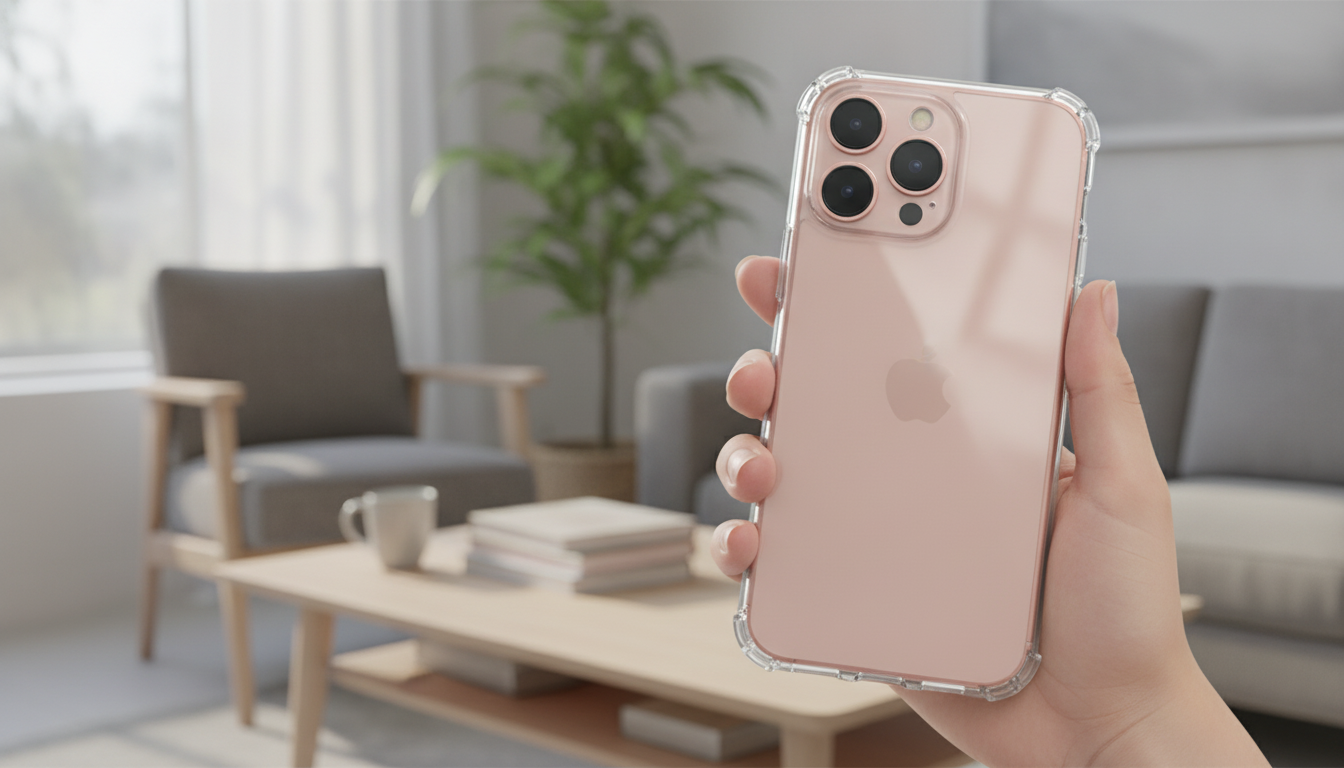
- Magnetic Clear Shockproof Case for iPhone 17 Pro & Pro Max (extra grip and protection for a phone that’s frequently in-hand during edits)
- Detangling Loop Hair Brush for Wet, Dry & Natural Hair (a small, easy add-on for travel kits and event bags)
FAQ
Can custom images and animations be uploaded from a phone?
Yes. The Bluetooth app is used to upload custom designs and animations, adjust brightness and colors, and switch between saved content. High-contrast art designed specifically for a 64×64 grid tends to look the sharpest.
How readable is text on a 64×64 pixel display?
Short messages are readable at close-to-medium distance when you use bold, simplified fonts and strong contrast. Scrolling text usually reads better than trying to fit too many characters on one line.
Does brightness affect heat and longevity?
Higher brightness can increase power draw and heat, especially during long sessions. Using moderate brightness and ensuring good ventilation helps maintain consistent performance over time.






Leave a comment